A craft punch in your pocket
Snap it, cut it, collect it
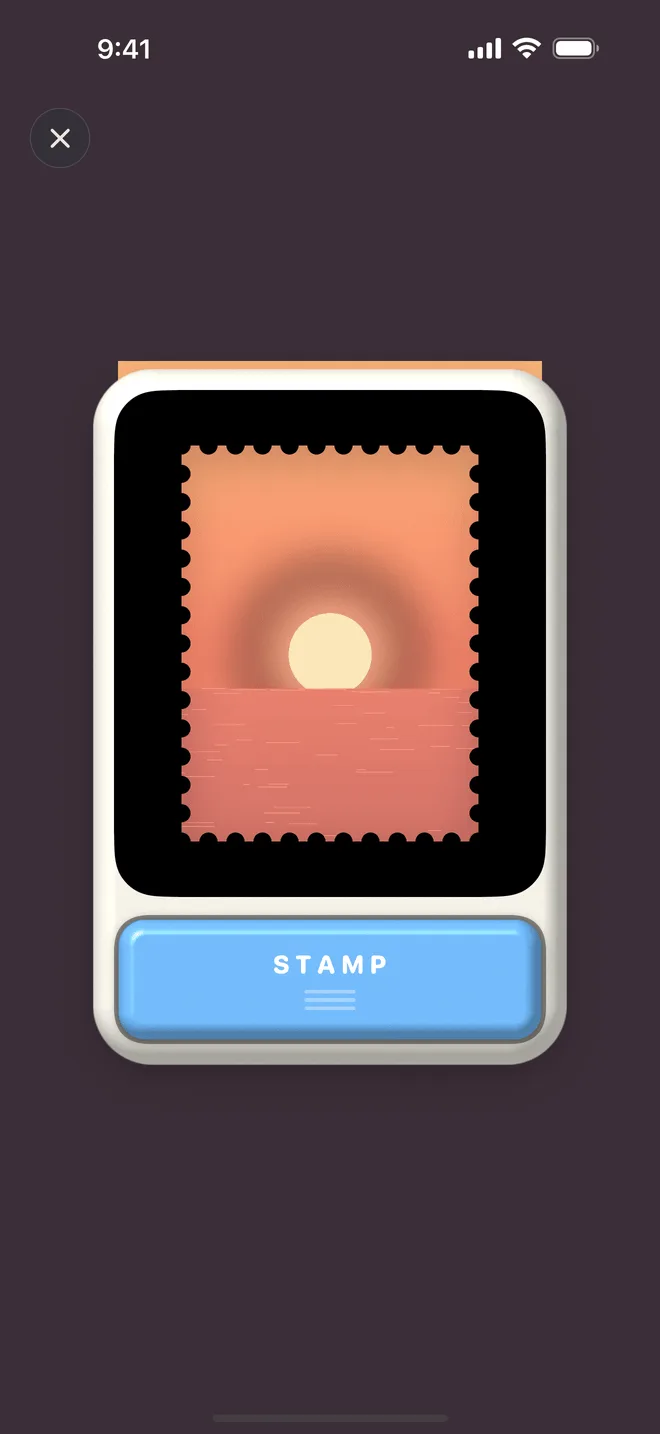
A true-to-life craft-punch camera: retro and delightful. Two stages and four paint schemes — keep it simple or go hands-on.
A square inch, a glimpse of the soul
Take a photo with InStamp, or crop one you already have. Let the framing surprise you: record the world from another angle, and leave a mark on your life that no one else could make.
Download on the App StoreFree on the App Store · iPhone, iOS 18 or later
Shoot with the craft-punch camera, or bring in a photo from your library.
Frame it in the punch window, choose the perforation, and cancel it with the date and place.
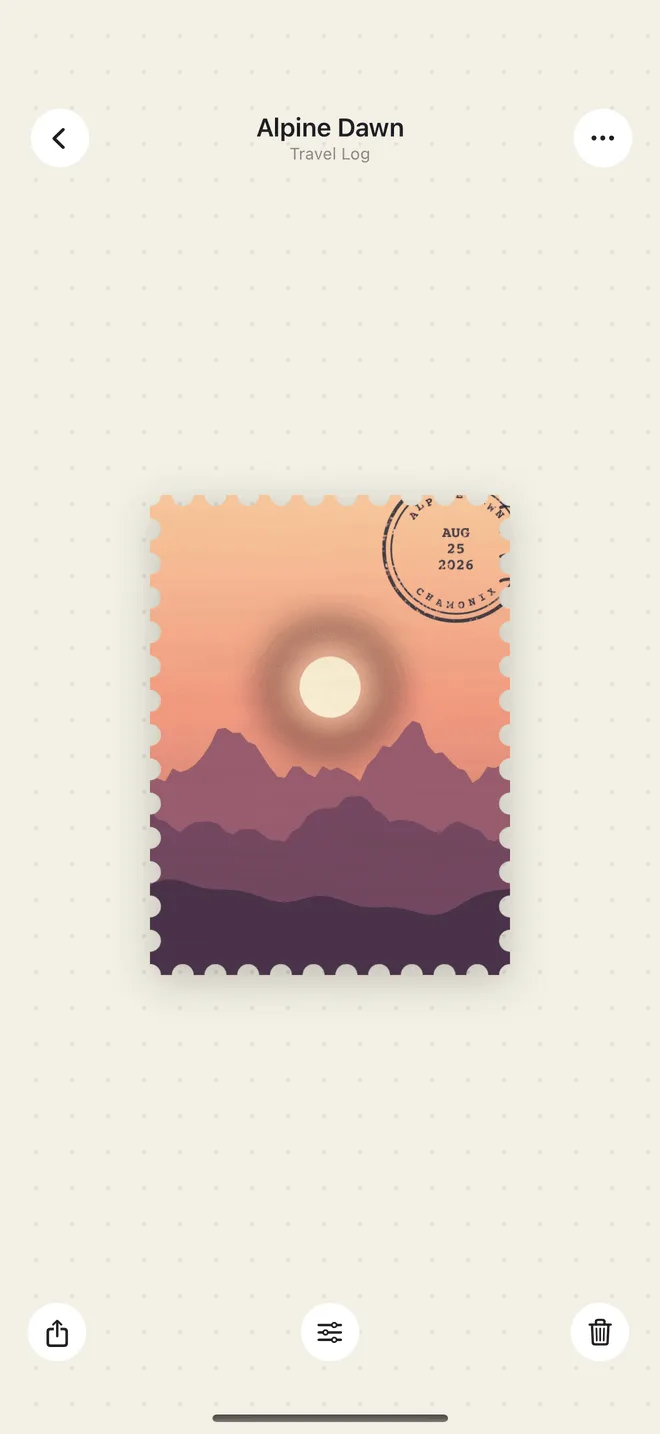
It lands in your collection, ready to be leafed through like a real album — and shared.
Snap it, cut it, collect it
A true-to-life craft-punch camera: retro and delightful. Two stages and four paint schemes — keep it simple or go hands-on.
Care goes in, character comes out
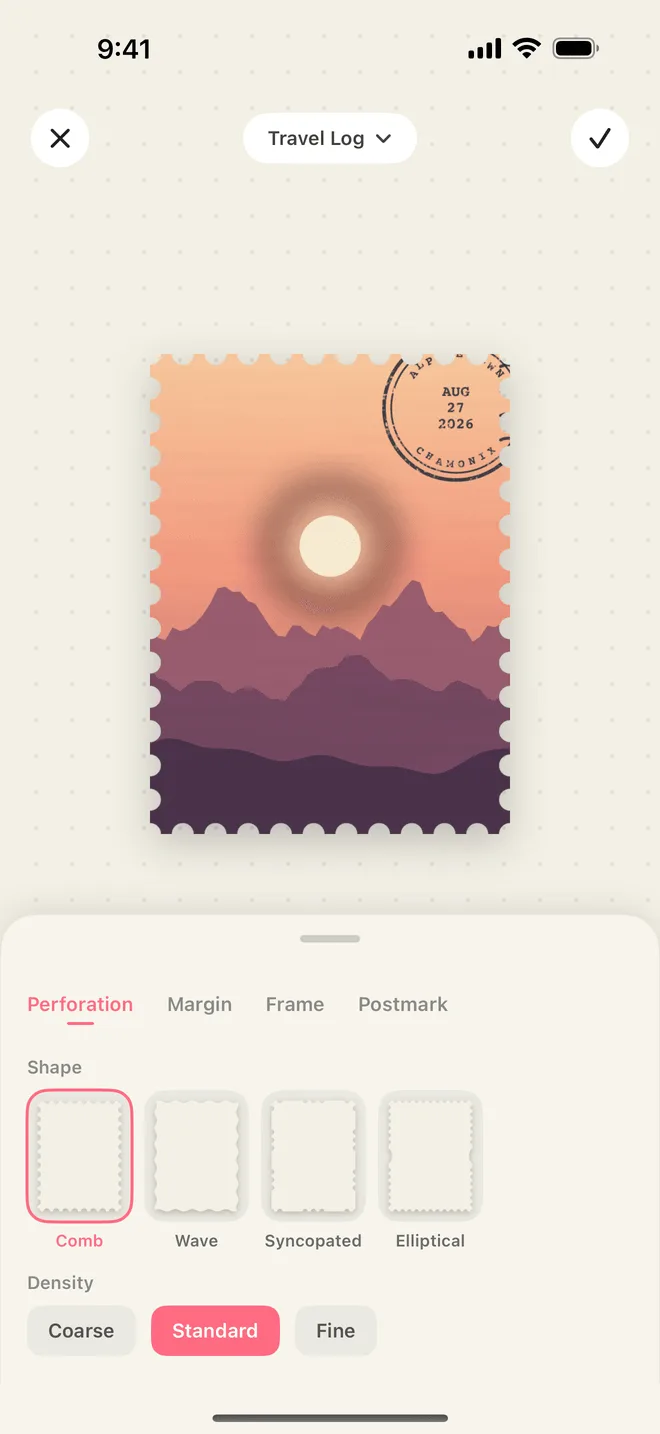
Every stamp keeps its original photo, ready to be cut again. Comb, wave, syncopated and security-ellipse perforations across three densities; margins, frames and other trimmings give each stamp its own character.
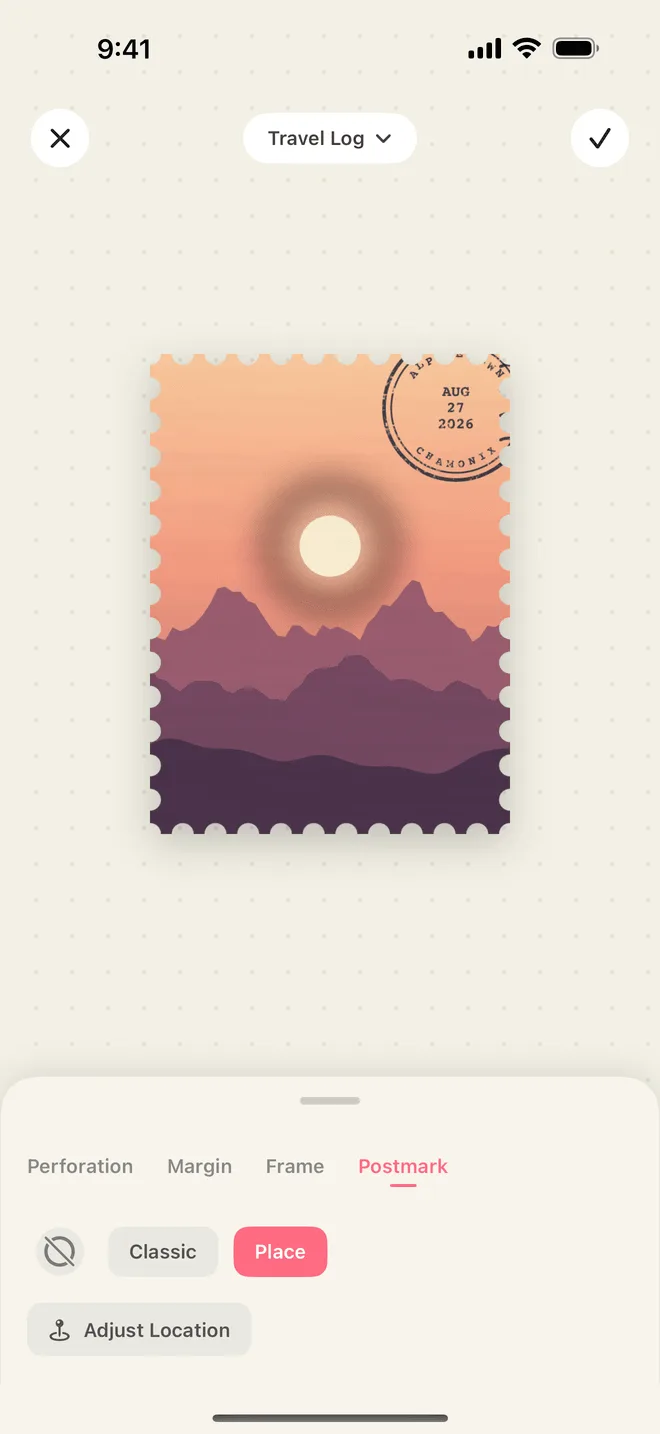
Drag the postmark wherever you like
Add a postmark with the date and the place, and the moment comes straight back. Two postmark styles, placed and rotated by hand.
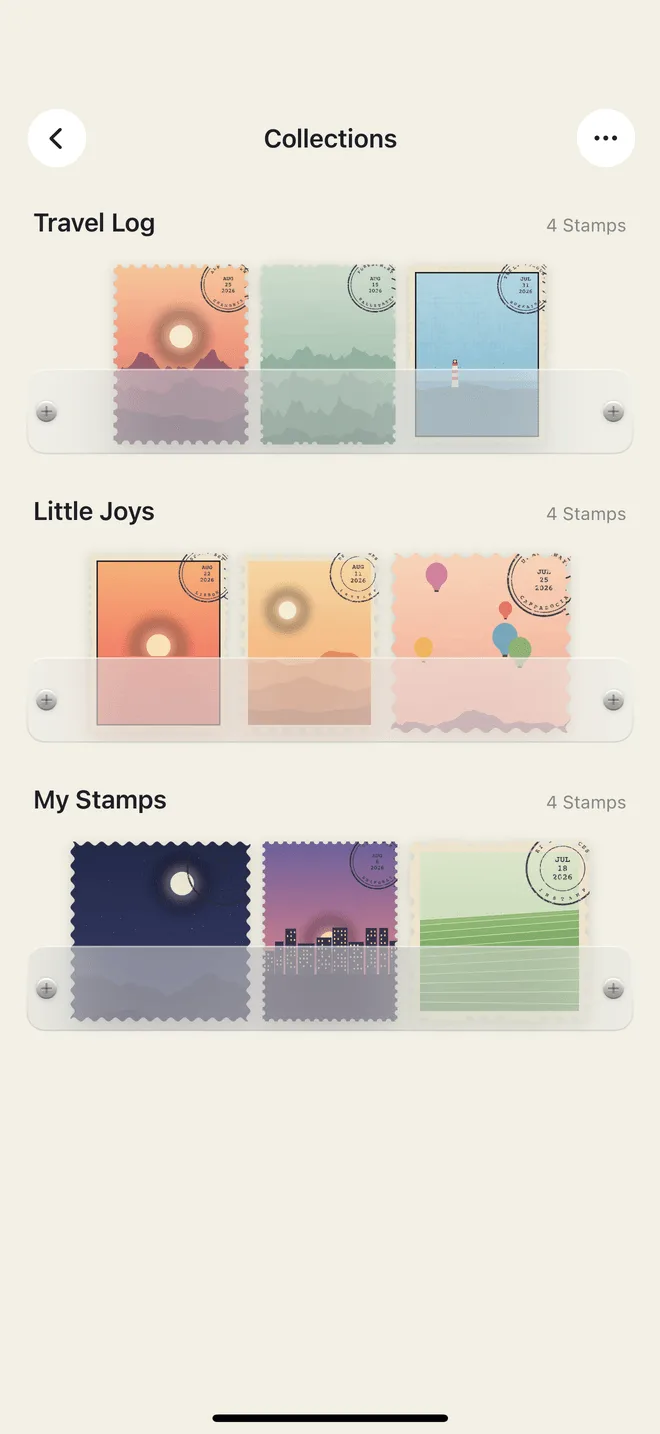
Sorted, and all the lovelier for it
Shelf, wallet or pouch — pick how your books are displayed. Sort by name, count or date, or drag them into your own order. Dot-grid, ruled and squared pages, like leafing through a paper journal.
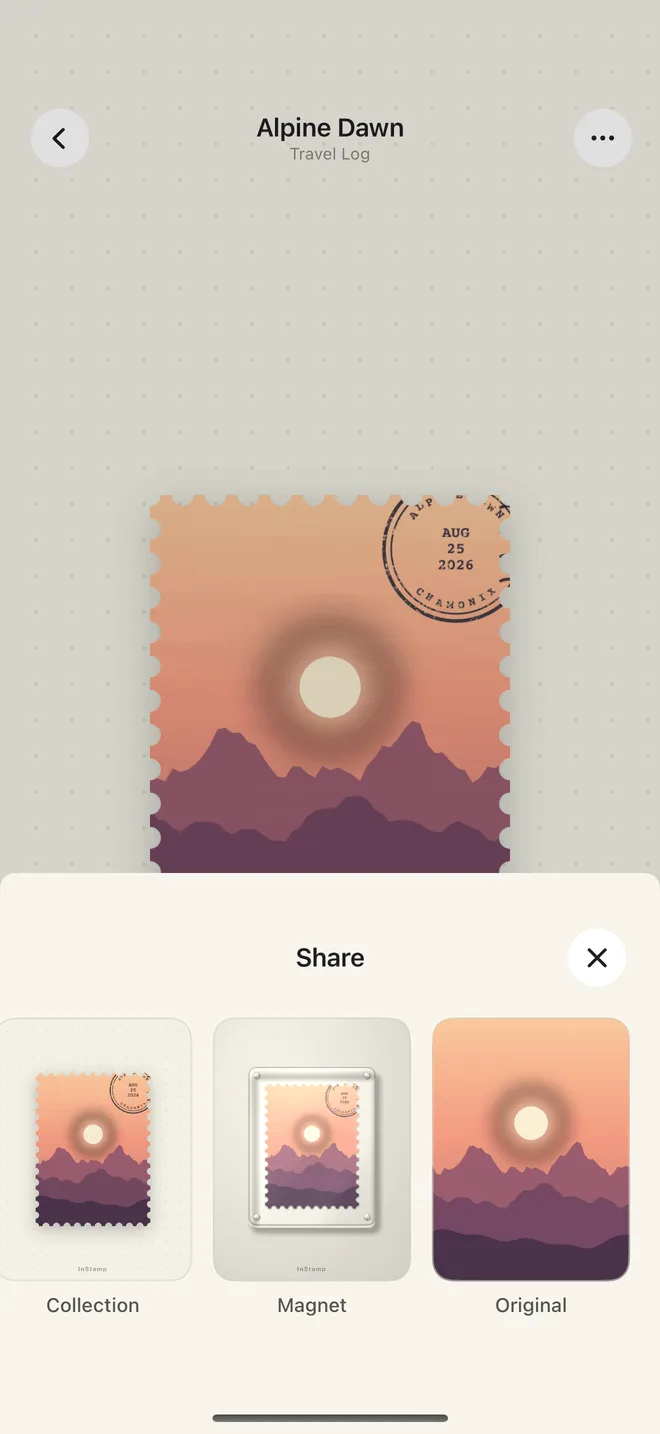
Collecting delights one; sharing delights all
Five share styles, high-resolution capture and export — saved to your photo library or sent to a friend.
Start free with every editing tool and every share style unlocked. Pro removes the limits.
| Free | InStamp Pro | |
|---|---|---|
| Stamps | Your first 10 | Unlimited |
| Collections | The default book | Unlimited |
| Editing tools & share styles | All | All |
| Exclusive page layouts | — | Dot grid, ruled, squared |
| iCloud Sync | — | Included |
| Watermark on shares | On | Optional |
Yearly subscription with a 7-day free trial, or a one-time lifetime purchase. Prices are shown in the app; subscriptions renew automatically unless cancelled at least 24 hours before the end of the period.
No. Everything is processed on your device, and we operate no servers. If you turn on iCloud Sync, your stamps live in your own iCloud account, which we cannot access.
Your first 10 stamps, with every editing tool and every share style unlocked. Pro adds unlimited stamps, more collections, exclusive layouts and iCloud Sync.
Subscriptions are managed by Apple: open iOS Settings → your name → Subscriptions → InStamp and tap Cancel. Deleting the app does not cancel it.
InStamp — a square inch, and a glimpse of the soul.
Download on the App Store